When you open a website, you often see a padlock icon next to the address. It means your connection to that website is encrypted. But did you know that not every padlock comes with the same level of verification?
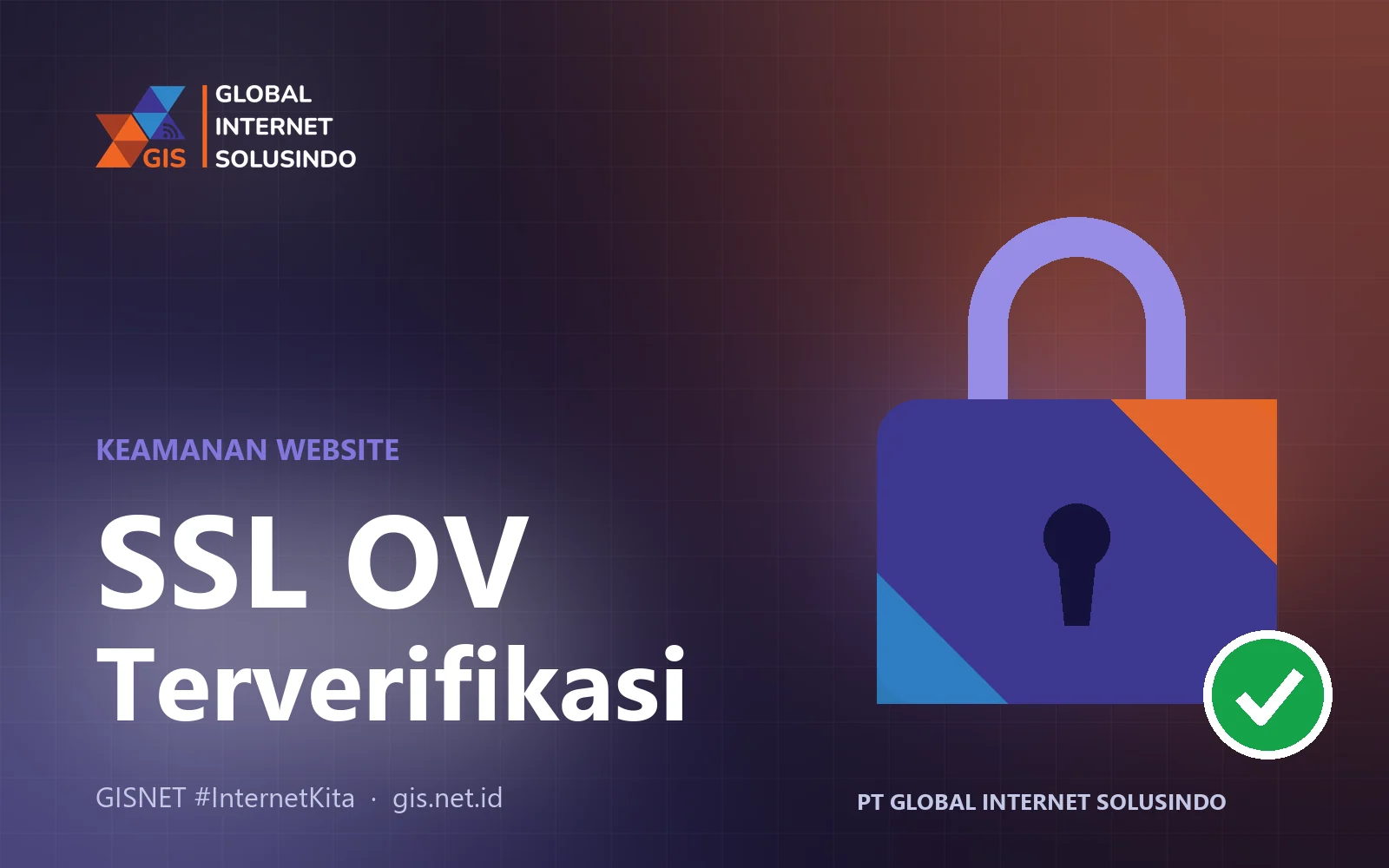
The good news: since November 2026, all GISNET online services use an OV (Organization Validation) SSL certificate from Sectigo, issued to PT Global Internet Solusindo. What does that mean, and how does it benefit you? Read on.
What Are SSL and HTTPS?
SSL (more accurately called TLS today) is the technology that encrypts data between your device and a website. Websites that use it have addresses starting with https:// and show a padlock in the browser.
With this encryption, the data you send, such as your portal password, the WhatsApp number in the sign-up form, or payment details, cannot be read by anyone trying to eavesdrop along the way, for example on public WiFi.
Not Every Padlock Is the Same: DV, OV, and EV
SSL certificates are issued by trusted organisations called Certificate Authorities (CAs). The difference lies in how thoroughly the CA checks the website owner before issuing the certificate:
- DV (Domain Validation): the CA only checks that the applicant controls the domain name. It is automated, can take minutes, and is often free. That is why even scam sites can have a DV padlock.
- OV (Organization Validation): besides the domain, the CA also verifies that the owning organisation legally exists. The verified company name is included in the certificate.
- EV (Extended Validation): an even more extensive organisation check. In modern browsers, however, it now looks the same as other certificates: a regular padlock.
So the encryption is equally strong. What sets an OV certificate apart is that the owner's identity has been checked, so you can confirm for yourself that the website really belongs to the right company.
GISNET Services Covered
GISNET's certificate is a wildcard certificate (*.gis.net.id), so one certificate protects the main website and all of its subdomains, including:
- gis.net.id: the official website, package information, and the new-installation sign-up form.
- my.gis.net.id: the customer portal for bills, changing your WiFi password, and checking usage.
- pay.gis.net.id: the online bill payment page.
- lg.gis.net.id: the Looking Glass for checking GISNET network routes (AS149697).
How to Check GISNET's Certificate Yourself
You don't have to take our word for it. Check it in your browser:
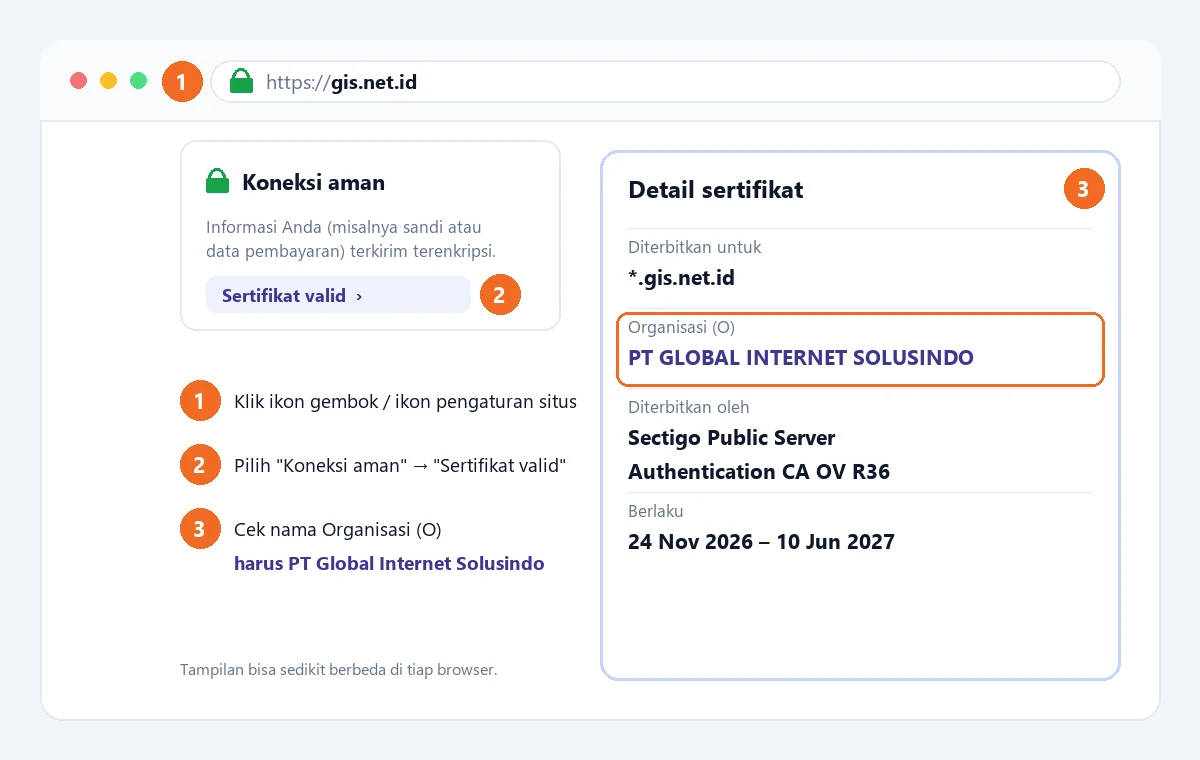
- Open gis.net.id (or my.gis.net.id / pay.gis.net.id), then click the padlock or site settings icon to the left of the address.
- Choose Connection is secure, then Certificate is valid. On a phone, tap the icon to the left of the address and open the connection/certificate details.
- Under Organization (O), make sure it says PT GLOBAL INTERNET SOLUSINDO, issued by Sectigo.
The certificate is renewed regularly. You can see its validity dates in the same details view.
Tips for Staying Safe Online
- Check the address carefully. Official GISNET addresses end in gis.net.id. Watch out for look-alike addresses with extra letters or words.
- A padlock alone is not enough. Fake sites can have one too. To be sure, check the organisation name in the certificate as shown above.
- Never share your password or OTP code with anyone, including people who claim to be staff.
- Unsure about a link or message? Ask GISNET's official WhatsApp 0857-0629-9235 first before entering data or paying.
Part of a Seriously Managed Network
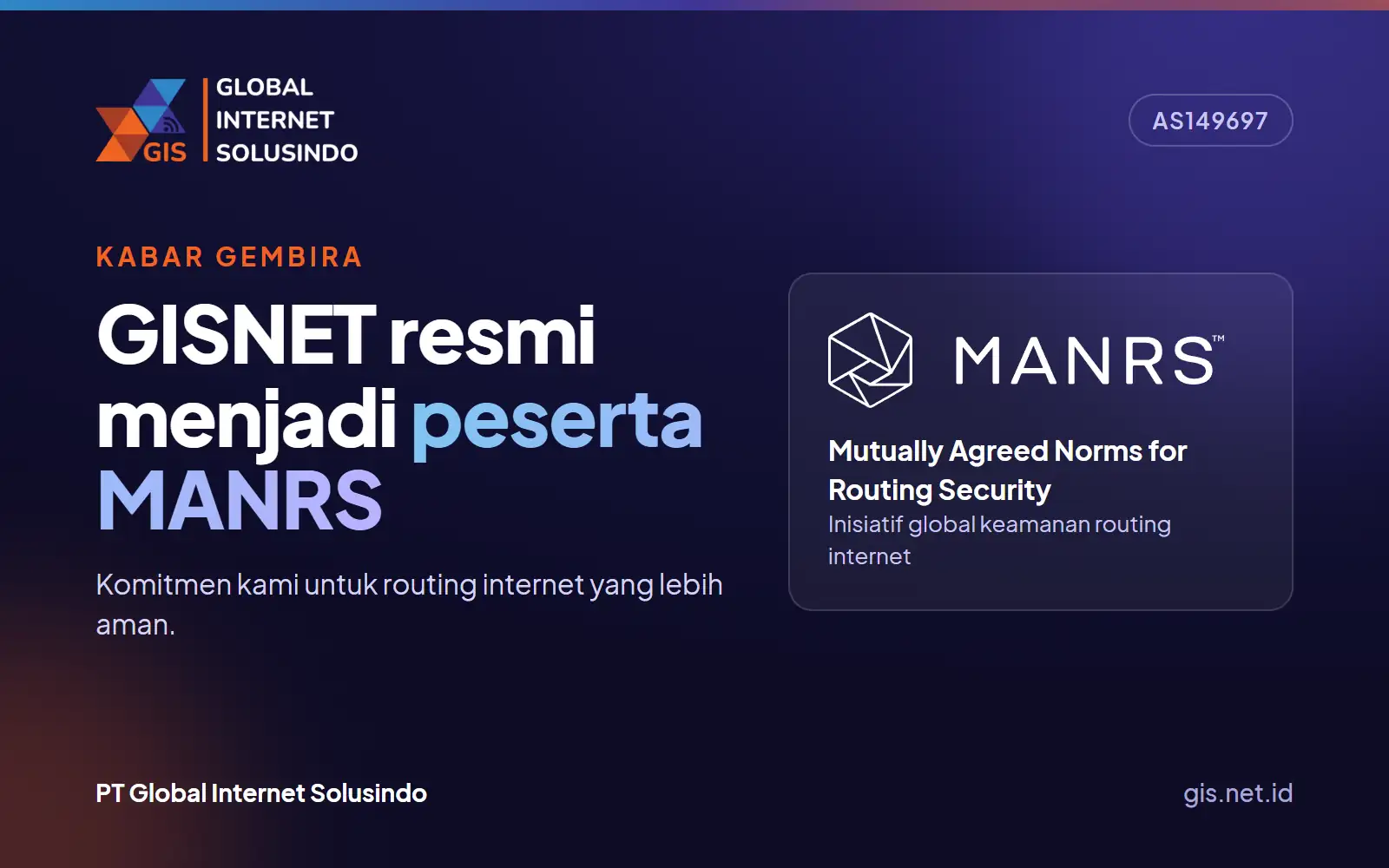
OV SSL complements GISNET's other measures: our own network AS149697, MANRS participation for routing security, full IPv6, and our licence and APJII membership, shown on the Legal & Certifications page.
All GISNET packages are unlimited with no FUP, with upload as fast as download, flat pricing, and 24/7 technical support, from Rp165,000/month. See the packages, check coverage in your village, or contact us on WhatsApp 0857-0629-9235.